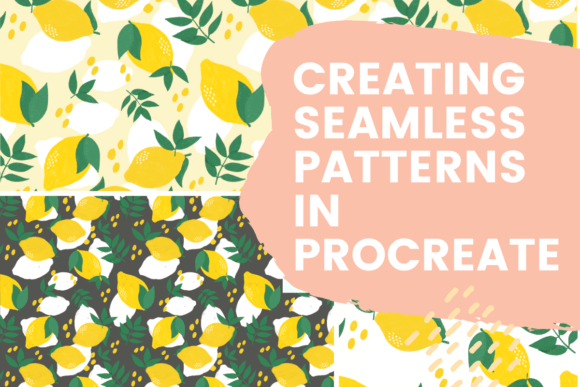
Creating Seamless Patterns in Procreate
Seamless patterns are a powerful design tool that can elevate your creative projects and open up new possibilities for surface design. Whether you're an artist, designer, or someone looking to expand your digital skills, learning how to create seamless patterns in Procreate can be incredibly valuable. This article will guide you through the process of making seamless patterns without relying on the offset feature, which is often used by beginners. We’ll explore the benefits of seamless patterns, their practical applications, and how they can help you stand out in the world of online creativity.
What Are Seamless Patterns?
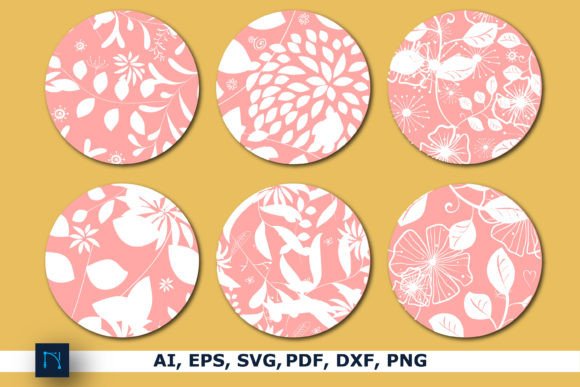
A seamless pattern is a repeating design that fits together perfectly at the edges, creating a continuous visual effect. Unlike traditional patterns that may have visible seams or gaps, seamless patterns appear as if they’re part of a larger whole. This makes them ideal for use on fabrics, wallpaper, digital backgrounds, and even product designs.
When working with Procreate, the key to creating seamless patterns lies in understanding how the canvas interacts with your artwork. While the offset feature can help automate this process, many designers prefer to create seamless patterns manually. This method gives you more control over the final result and helps you develop a deeper understanding of the technique.
Why Create Seamless Patterns Without the Offset Feature?
There are several reasons why you might want to avoid using the offset feature in Procreate. First, it allows you to work more intuitively with your design. By manually aligning the edges of your pattern, you gain a better grasp of how each element contributes to the overall look and feel. Second, it gives you greater flexibility when adjusting your design later. If you need to make changes, you won’t be limited by the constraints of the offset tool.
Additionally, creating seamless patterns without the offset feature helps you build a stronger foundation in digital art. It encourages you to think about composition, symmetry, and repetition—skills that are essential for any designer. Whether you're preparing for a class, a project, or simply exploring your creative potential, this approach offers long-term benefits.
How to Create Seamless Patterns in Procreate
Creating seamless patterns in Procreate involves a few key steps. First, you'll need to set up your canvas properly. A common size for seamless patterns is 100x100 pixels, but you can adjust this based on your needs. Next, you'll draw your design in the center of the canvas, ensuring that the elements on the left and right sides match perfectly. The top and bottom should also align seamlessly.
One effective technique is to use the duplicate layer feature to mirror your design. This helps you check for consistency across all four sides. You can also use the crop tool to refine your pattern and ensure there are no visible seams. Finally, you'll export your pattern and test it on different surfaces to see how it looks in real-world applications.
Step-by-Step Guide
- Set Up Your Canvas: Choose a square size, such as 100x100 pixels, to ensure your pattern repeats evenly.
- Draw Your Design: Focus on the center of the canvas, keeping in mind that the edges will repeat.
- Use Duplicate Layers: Mirror your design to check for alignment and consistency.
- Crop and Refine: Use the crop tool to fine-tune your pattern and eliminate any visible seams.
- Export and Test: Save your pattern and apply it to various surfaces to see how it performs.
This process not only teaches you how to create seamless patterns but also helps you develop a more intuitive approach to digital art. As you practice, you'll start to notice how small adjustments can make a big difference in the final outcome.
Where Can Seamless Patterns Be Used?
The versatility of seamless patterns means they can be applied in a wide range of contexts. From fashion and interior design to web development and print media, seamless patterns offer endless creative possibilities. Here are a few real-world examples:
- Fabric Design: Seamless patterns are commonly used in textile design to create fabric prints that repeat seamlessly across a garment.
- Wallpaper and Flooring: These patterns are ideal for creating large-scale repeating designs that look cohesive and professional.
- Digital Backgrounds: Seamless patterns can serve as beautiful, customizable backgrounds for websites, apps, and social media content.
- Product Packaging: Brands often use seamless patterns to create eye-catching designs for boxes, labels, and other packaging materials.
- Graphic Design: From logos to illustrations, seamless patterns add depth and texture to a wide variety of design projects.
Whether you're a hobbyist or a professional, the ability to create seamless patterns can significantly enhance your creative toolkit. It's a skill that can be applied across multiple industries and platforms, making it a valuable asset for anyone interested in digital design.
Who Benefits from Creating Seamless Patterns?
Creating seamless patterns is beneficial for a wide range of individuals and professionals. Here are some key groups who can benefit from this skill:
- Artists and Designers: Seamless patterns allow for greater creative freedom and can help artists experiment with new ideas and techniques.
- Entrepreneurs and Business Owners: Seamless patterns can be used to create unique branding materials, such as logos, packaging, and website backgrounds.
- Online Creators: For those selling digital products on platforms like Etsy, Gumroad, or Shopify, seamless patterns can be a valuable addition to their offerings.
- Students and Educators: Learning how to create seamless patterns can be an excellent way to teach design principles and digital art techniques.
- Freelancers and Contractors: Seamless patterns can be used in a variety of client projects, from branding to marketing materials.
No matter your background or experience level, creating seamless patterns in Procreate can provide you with new opportunities and creative satisfaction. It’s a skill that continues to grow in relevance as digital design becomes more integrated into everyday life.
Considerations and Limitations
While creating seamless patterns in Procreate is a rewarding skill, it's important to be aware of its limitations. One of the main challenges is ensuring that all elements of the pattern align perfectly. This requires careful attention to detail and a good understanding of composition. Additionally, the manual process can be time-consuming, especially for complex designs.
Another consideration is the resolution of your final output. High-quality patterns require a higher resolution, which may impact file size and performance. It’s important to balance quality with usability, especially if you're planning to use your patterns on different platforms or devices.
Despite these challenges, the rewards of creating seamless patterns far outweigh the difficulties. With practice and patience, you can develop the skills needed to produce high-quality, visually appealing designs that meet your creative goals.
Conclusion: Elevate Your Creative Practice with Seamless Patterns
Creating seamless patterns in Procreate is more than just a technical skill—it’s a creative journey that can lead to new opportunities and personal growth. Whether you're designing for business, art, or personal expression, seamless patterns offer a versatile and powerful tool for enhancing your work.
By learning how to create seamless patterns without the offset feature, you take a step toward mastering digital design and expanding your creative capabilities. With the right tools, techniques, and mindset, you can unlock new possibilities and bring your artistic vision to life. So, grab your iPad, open Procreate, and start exploring the world of seamless patterns today.